
 Intro
3 dk
Intro
3 dk
Personel365 General Introduction
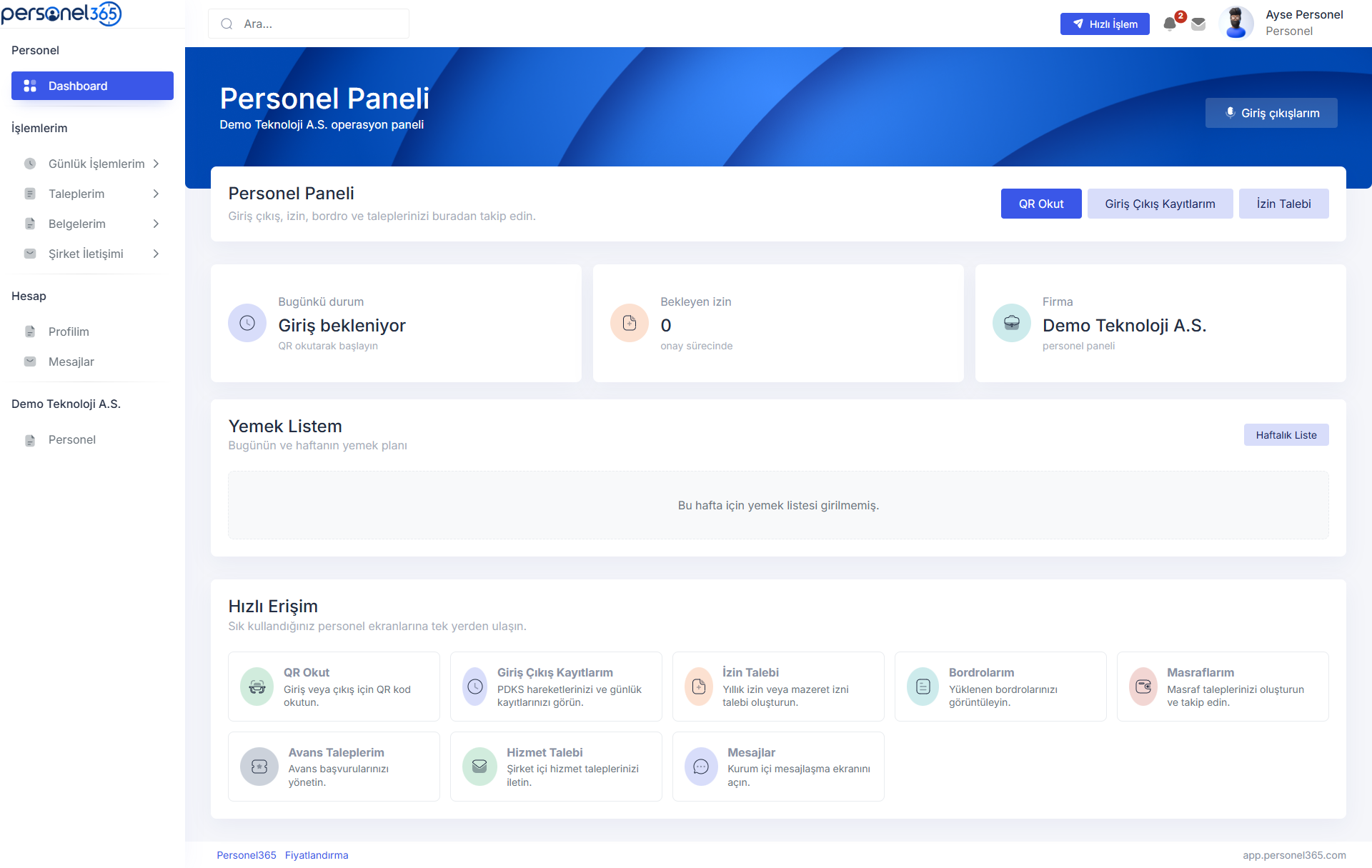
Quickly review how company and employee panels are separated, along with QR time tracking and daily usage flows.
Review time tracking, QR scanning, employee panel, leave/approval, meal list, payroll and CV flows through sections prepared for short product videos.
When video files are added, these cards can link directly to playable content. For now, each card is prepared with a product screenshot and topic title.
Intro
3 dk
Quickly review how company and employee panels are separated, along with QR time tracking and daily usage flows.
 PDKS
4 dk
PDKS
4 dk
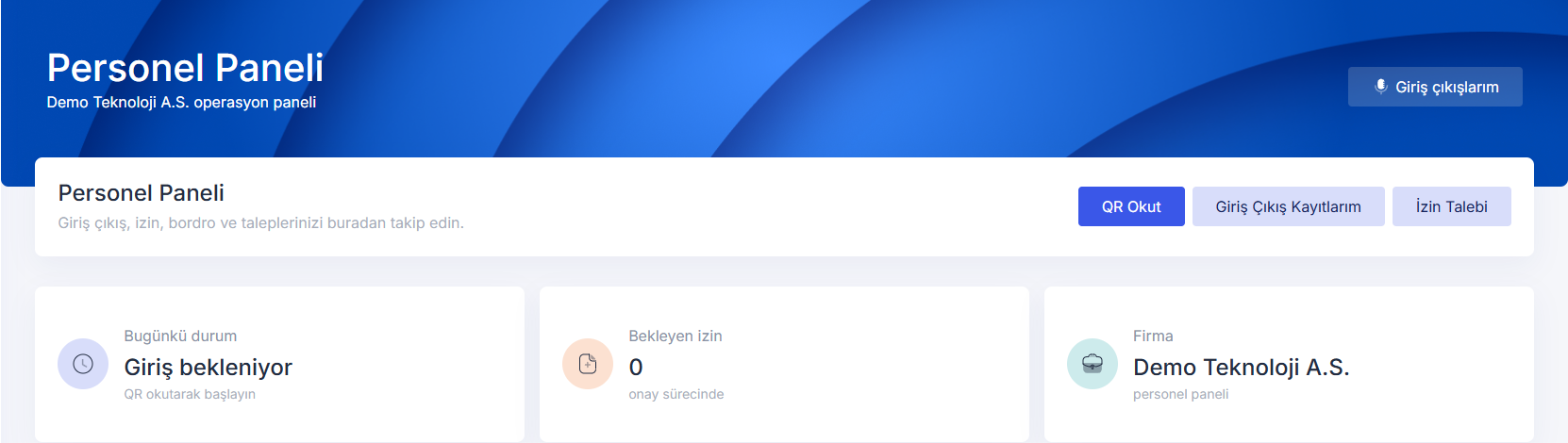
How QR point creation, location-based or location-free scanning, and employee check-in/out records work.
 Employee
3 dk
Employee
3 dk
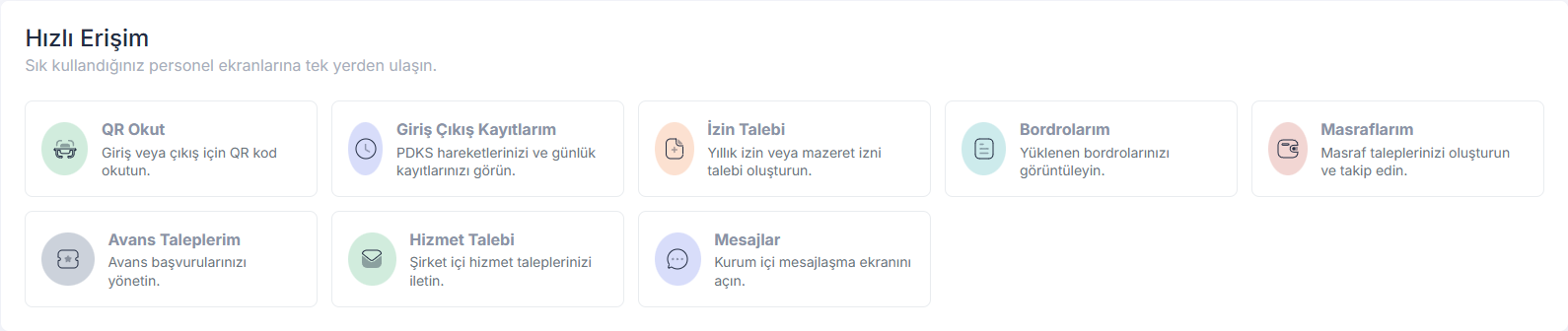
How employees access QR, leave, payroll, expense, advance, service request and messaging screens.
Approval
5 dk
How the company is notified when an employee creates a request, how the company responds, and how the result returns to the employee.
 Meal
2 dk
Meal
2 dk
Meal list setup by the company, time range definition, and daily/weekly employee panel view.
Personnel File
4 dk
A short product tour of profile editing, CV information, payroll archive and file sharing modules.
You can use Personel365 in your real processes without a user limit, trial period or payment step.